The best place to localise a string is where you write it.
A product string starts in an editor. Bringing approved language and brand context into that editor shortens the distance between writing it and making it ready for another market.
A developer adds “Continue” to a screen.
The word is short. The decision behind it is not. Continue to what? Is this a payment flow, a signup form or the next step of a tutorial? Does the product already have approved wording for this action? How formal should it sound in the next language?
The editor knows where the string lives. The localisation workspace knows how the brand speaks. Connecting the two makes the task more useful than asking an isolated model for a translation.
The first Nativ MCP package was published on 19 February 2026. It brought that connection into MCP-compatible AI workflows.
Reuse a decision before making another one
For an established product, the first question should often be whether a suitable translation already exists.
Translation memory makes earlier work discoverable. A close match gives the developer and reviewer a useful reference. An approved exact match can prevent an unnecessary variation in a familiar interface.
That matters for small strings as much as campaign copy. If an application uses three different expressions for the same action, each individual translation can be defensible while the overall product becomes harder to use.
Nativ MCP lets an assistant search the workspace’s translation memory from the development workflow. The assistant can bring back existing wording before proposing something new.
Context should travel with the string
The same English word can need different treatment in different places. A label that works in navigation may be wrong for a button that submits a request.
Give the assistant a brief that includes the UI role and the intended audience. Ask it to inspect your language settings and brand guidance. If a product name should remain unchanged, say so.
Here is an illustrative task for a small interface update:
This prompt asks for a useful sequence. It starts with existing decisions, introduces the context, limits what should change and defines a reviewable output.
It also keeps the developer’s intent visible. The assistant is helping complete a product change.
Try a small set of strings
The setup below describes the current connection, while the date above records the first package publication. Nativ MCP has expanded since that first release.
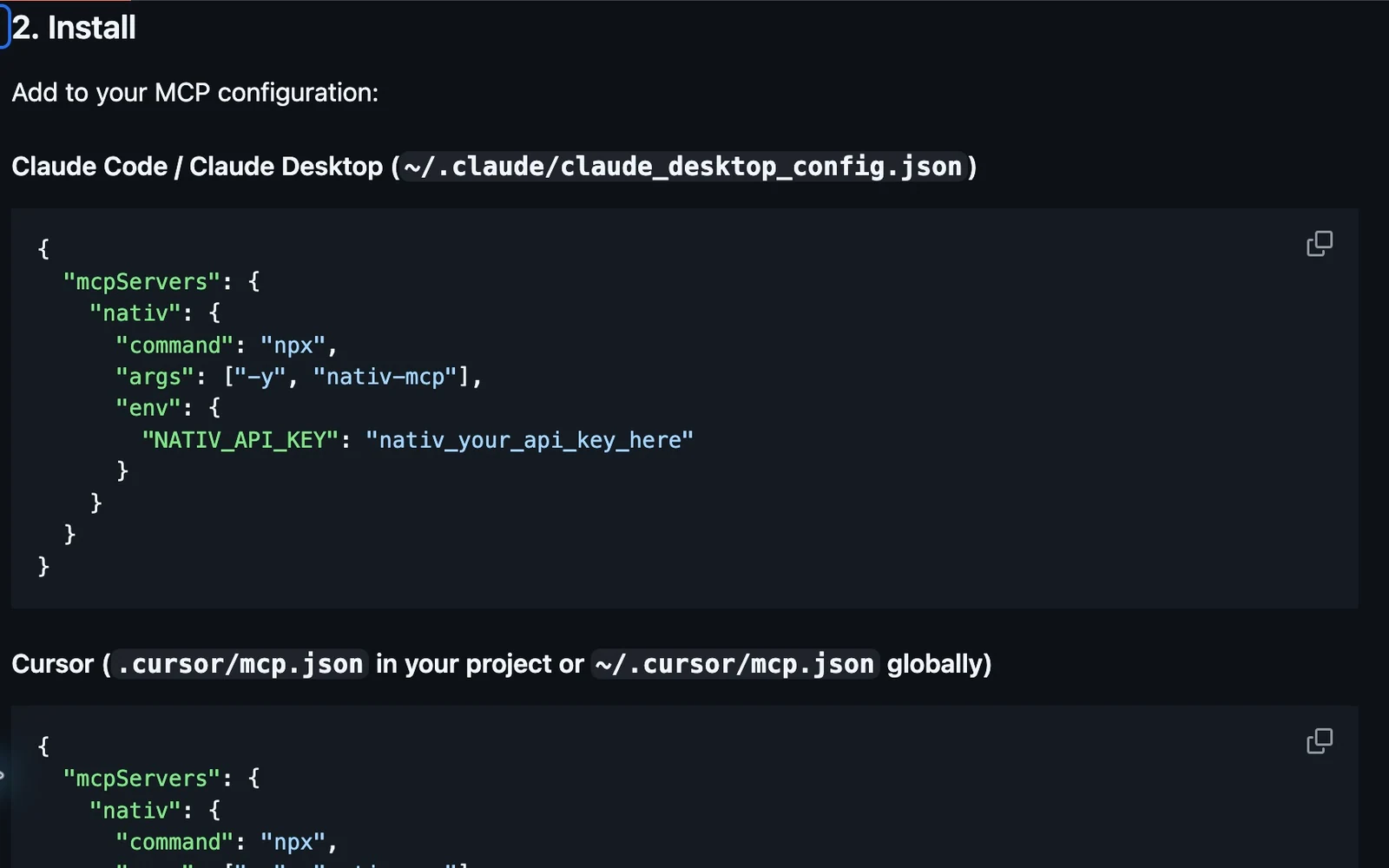
- Create a workspace API key. In the Nativ dashboard, open Settings → API Keys.
- Configure your MCP client. Use the Nativ MCP setup guide for a local connection or a compatible hosted client.
- Check the connection. Ask the assistant to list the languages configured in your Nativ workspace.
- Look up existing copy. Ask it to search translation memory for the strings you want to change.
- Prepare the missing translations. Include the screen’s role, the target audience and any terms that must remain unchanged.
- Review before applying. Check the result, update the locale file and verify the actual UI.
Do not stop at the source-to-target table. Open the screen. A short translation can still wrap, overflow or change the emphasis of a button. The interface is the final context.
Keep approval deliberate
A proposed translation and an approved memory entry serve different purposes.
A proposal is something to inspect. A memory entry can influence future work across the workspace. When a reviewer approves a new phrase, saving that decision makes the next job more consistent.
Ask the assistant to keep those stages explicit. It can prepare results without automatically treating every result as approved terminology.
This is especially useful when experimenting with several phrasings. The exploration should not quietly become the reference for the rest of the organisation.
From strings to a broader workflow
The first release connected text localisation, translation memory and brand context to the place developers were already working.
The expanded MCP release now reaches images, audio, subtitles and more of the workspace lifecycle. The underlying product idea is the same: useful context should be available where the work happens.
For a new integration, start with a few real strings. The first success is a result your team can understand, approve and use in the product.
Product references
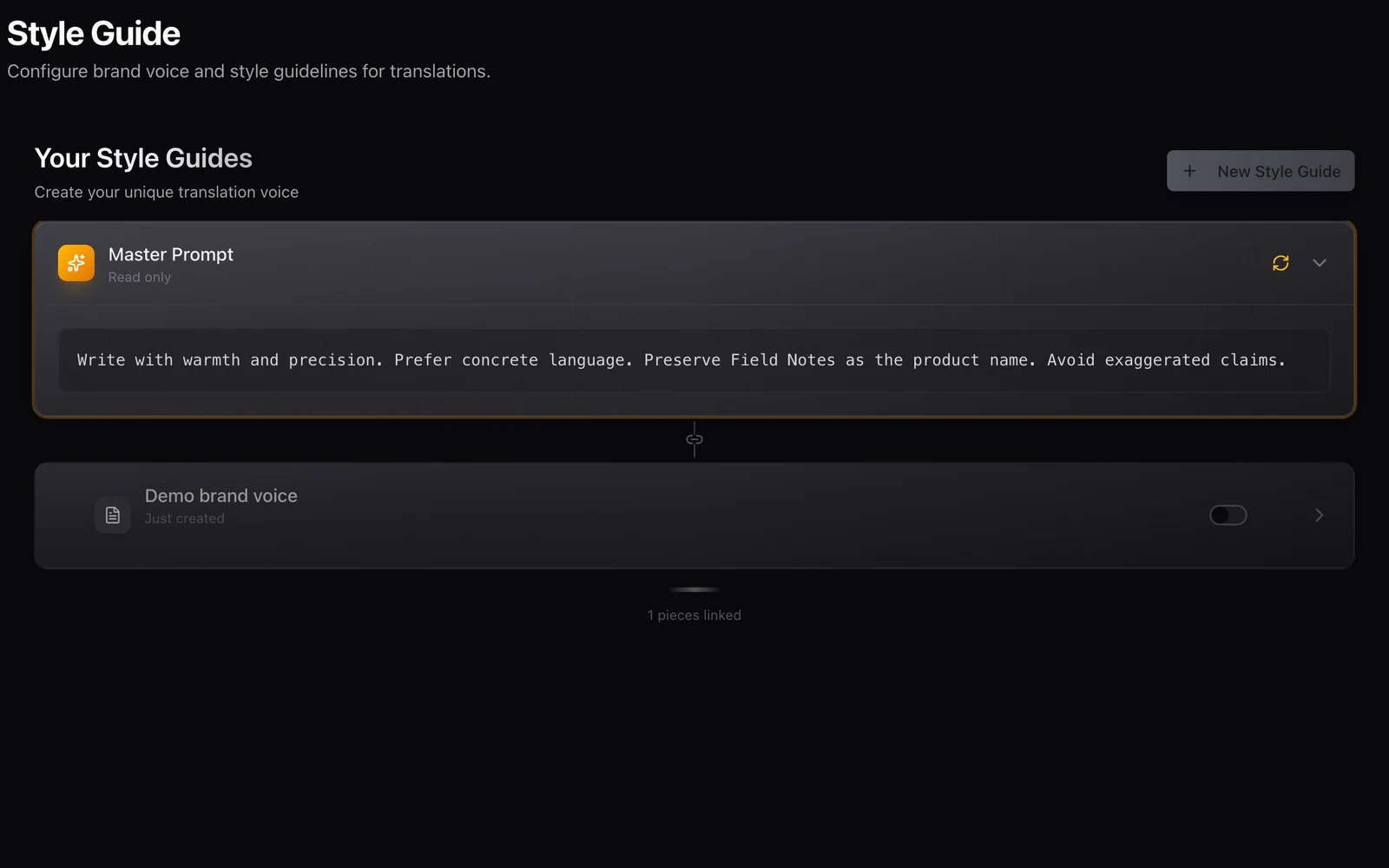
Your brand voice should travel with the work.
Use Nativ’s brand voice, style guides, terminology and language settings as a shared brief across creative tools, integrations and API workflows.
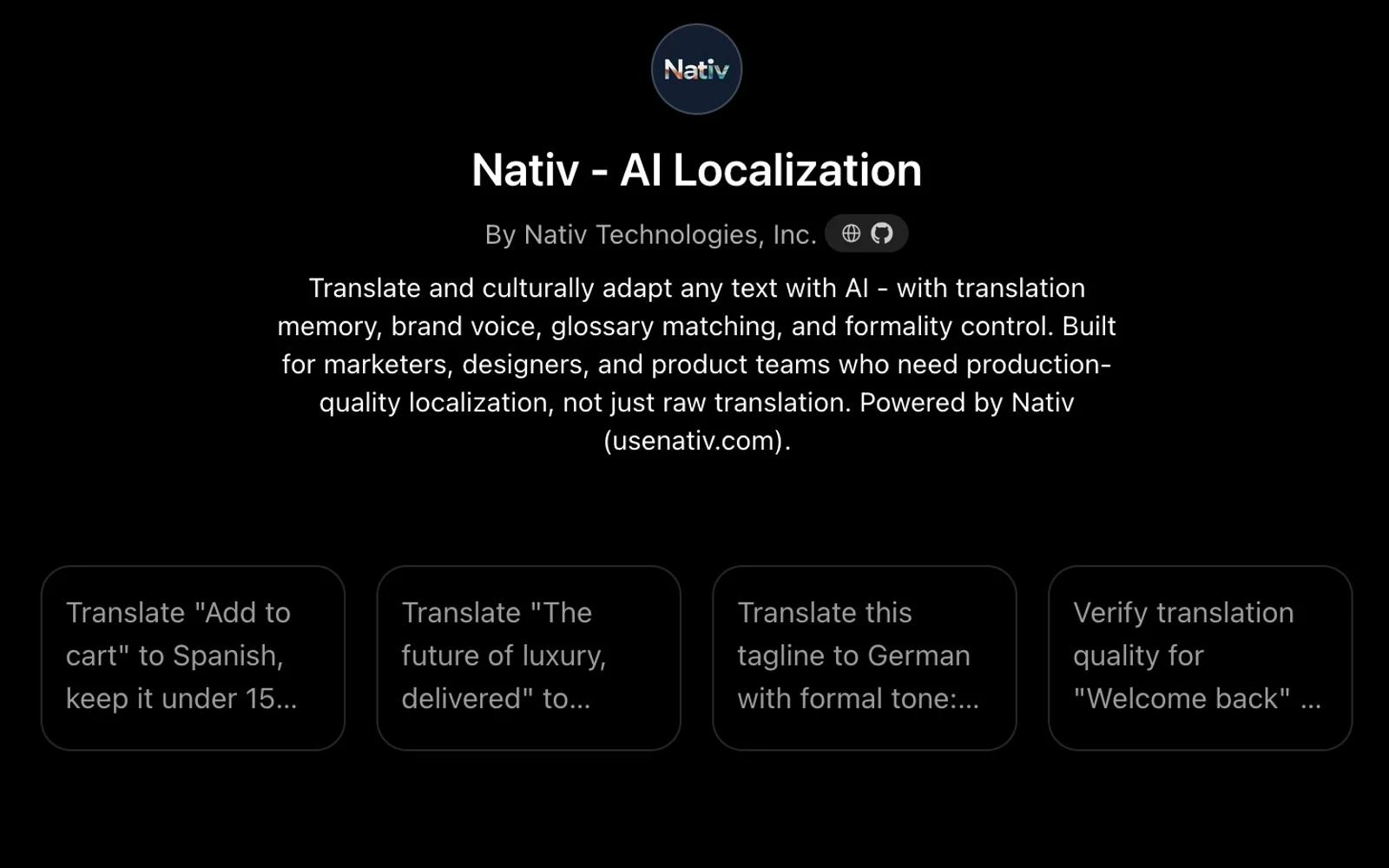
A conversation can start the work. Your brand context should follow.
Use the Nativ GPT for text localisation in ChatGPT, supply placement and terminology, and review translations with the context of your Nativ workspace.