For builders
Build on Nativ.
Your plugin. Your interface. A localisation engine that already understands the brand.
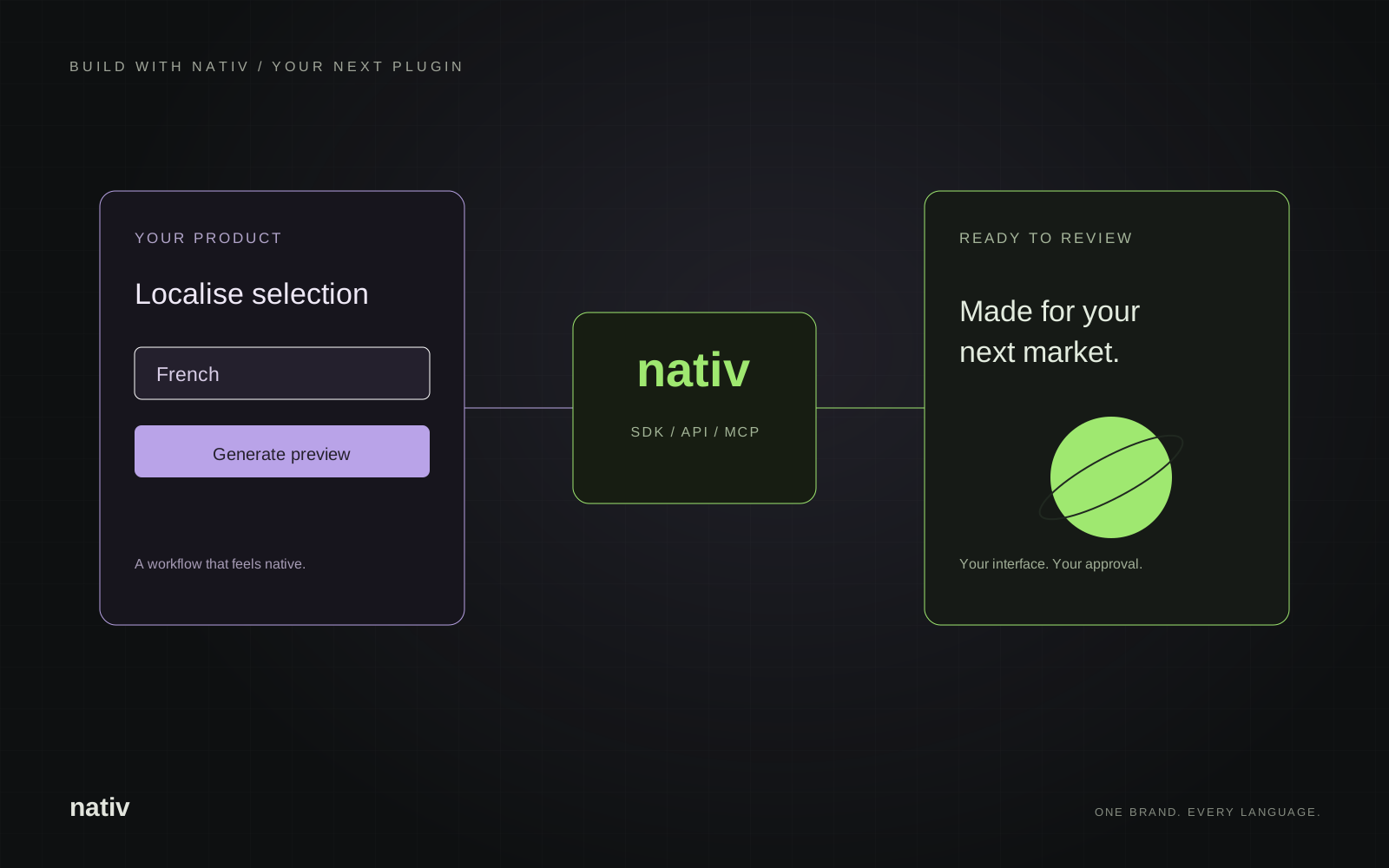
Start with a complete loop.
Let a person select content, choose a language, review a localised result and apply it. Your host application handles selection and placement. Nativ supplies translation and media capabilities with the context in your workspace.
- Set up the workspace. Create a Nativ account, configure target languages and add your brand voice, glossary and style guides.
- Create an API key. Open Settings → API Keys. Keep shared application keys on your server.
- Localise one small item. Use an SDK example below, then build a preview around the returned result. Usage requires available credits.
- Apply after review. Keep the source identity with each request and check it has not changed before inserting a result.
TypeScript & Node.js
Install nativ-sdk and set NATIV_API_KEY in your server environment. This example prints a translation and review information.
npm install nativ-sdkimport { Nativ } from "nativ-sdk";
// Run on your server. Set NATIV_API_KEY in its environment.
const client = new Nativ({ apiKey: process.env.NATIV_API_KEY });
const result = await client.translate(
"Make room for something new.",
"French",
{
context: "Short campaign headline for a homeware brand",
backtranslate: true,
},
);
console.log(result.translatedText);
console.log(result.backtranslation);
console.log(result.rationale);Read the TypeScript SDK documentation ↗
Python
The Python client supports synchronous and asynchronous use. The SDK also includes a command-line tool for shell workflows.
pip install nativfrom nativ import Nativ
# Set NATIV_API_KEY in your server environment.
client = Nativ()
result = client.translate(
"Make room for something new.",
target_language="French",
context="Short campaign headline for a homeware brand",
backtranslate=True,
)
print(result.translated_text)
print(result.backtranslation)
print(result.rationale)Read the Python SDK documentation ↗
Choose your connection.
- SDKs: convenient clients for your application or backend.
- REST API: direct HTTP from other languages and environments. Check the API reference for request schemas.
- MCP: discoverable tools for AI assistants. Use the MCP connection guide.
- JSON tools: JSON requests with HTTPS media URLs for connector builders. Import the tools schema.
Make the integration worth using.
Show the original alongside the proposed result. Preserve successful items in a batch when another item fails. Make the retry target clear, and keep approval visible. These small product decisions turn an API call into a workflow people can trust.