An AI agent needs more than a translate button.
Good localisation depends on decisions made before a sentence is translated and after a result comes back. Nativ MCP gives agents access to that wider workflow.
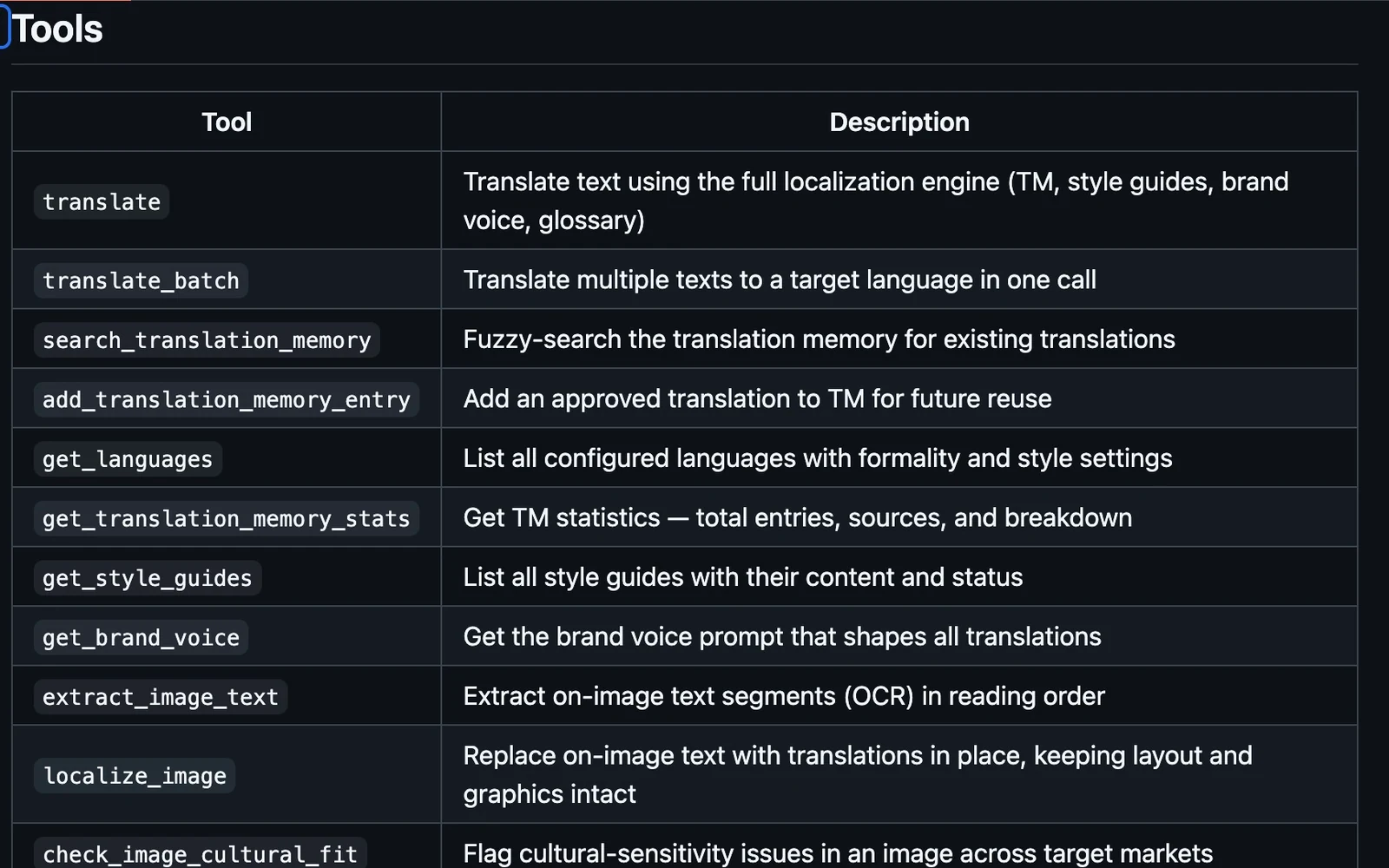
“Translate this into French” sounds like a complete task. In a real product, it usually opens several more.
Which French audience? Has this phrase already been approved? Is the product name supposed to stay in English? Where will the result appear? Who should review it? If the content is a film, which speaker is talking, and how much time does that speaker have?
An agent that can only submit text to a translation endpoint has to guess at the surrounding process or ask a person to fill it in. We want the agent to work with the same context and review surfaces that a team uses in Nativ.
Version 0.5.0, published on 15 October 2026, extends Nativ MCP to 51 tools across text, images, audio, subtitles and workspace context.
Context belongs to the workspace
Translation memory is a record of decisions a team has already made. A style guide describes the decisions that should remain consistent. Brand voice shapes how new copy should sound.
Those inputs are useful outside a translation dashboard. A developer updating an onboarding screen needs them. So does a marketer adapting an image, or an agent preparing a localised script.
Nativ MCP exposes tools to read and work with that context. Agents can search translation memory, inspect configured languages and formality, read style guides and access brand voice. The same connection also exposes translation and media workflows.
The practical benefit is continuity. You do not have to recreate a brand brief in every prompt and hope it stays aligned with the workspace.
Give the agent a workflow to follow
A useful instruction names both the outcome and the checks that should precede it. For example:
This is an illustrative prompt, not a recorded customer run. Its structure matters more than its wording.
The agent can discover the available languages, retrieve context, search existing translations and prepare new ones. A person still decides which results deserve approval. Reading existing memory and changing it are different actions; the instruction should make that distinction clear.
From one sentence to a complete media job
Media makes the need for a connected workflow more obvious.
A subtitle file has cue boundaries as well as text. A dubbed conversation has speakers, timing and voice choices. A campaign image contains words inside a visual composition. Passing each item through a generic translation function would discard information the next step needs.
The expanded MCP tools cover these stages separately:
- Images: extract text, localise on-image text and inspect cultural fit.
- Audio and video: read account capabilities, transcribe with detailed segments, translate dialogue and synthesise with voice and timing options.
- Subtitles: upload or parse a source, localise it, retrieve review rows, save corrections and export the reviewed result.
- Workspace knowledge: maintain translation memory, language settings, style guides and brand context.
These operations can be composed around the material. They are also easier to review because the intermediate decisions remain visible.
For example, a subtitle review can return to the saved source, preserve timing information, collect edits and regenerate an export. The export step should use the reviewed text. “The file was generated” and “the reviewed file was generated” are different success criteria.
Connect locally or remotely
Use the local server when your MCP client should work with files on your machine. Add Nativ to the client’s MCP configuration and provide your workspace API key:
{
  "mcpServers": {
    "nativ": {
      "command": "npx",
      "args": ["-y", "nativ-mcp"],
      "env": {
        "NATIV_API_KEY": "nativ_your_api_key_here"
      }
    }
  }
}
Create the key in Settings → API Keys in the Nativ dashboard. Restart or reconnect the MCP client, then ask it to list your configured Nativ languages before starting a localisation job.
The hosted connection uses Streamable HTTP at https://mcp.usenativ.com/mcp. A compatible client must support the remote URL and a manually configured API-key or bearer header. Interactive OAuth sign-in is not part of this connection.
Hosted media inputs use public HTTPS URLs, including valid signed URLs. A path on your laptop is meaningful to the local server; a remote server needs an accessible media URL. Generated hosted artifacts are returned through expiring download links.
Build a connector even without MCP
Some applications can import an OpenAPI schema and call JSON endpoints but do not speak MCP. Nativ also provides a JSON tools adapter for that case.
Import https://mcp.usenativ.com/json-openapi.json, configure the X-API-Key header, and call the tools using JSON bodies. Media stays at HTTPS URLs. Responses include structured data and artifact links that a client can display or pass to its next step.
The localisation capabilities remain the same across these interfaces. The transport determines how the client connects and exchanges files.
Start with a result you can inspect
For a first run, translate a few strings or localise one small asset. Ask the agent to show the source, the proposed result and the relevant workspace context. Review it before expanding the job or changing approved memory.
The larger tool surface is useful because it lets an agent complete more of the process with evidence at each step. Its value is the quality of the workflow you can build around the result.
Product references
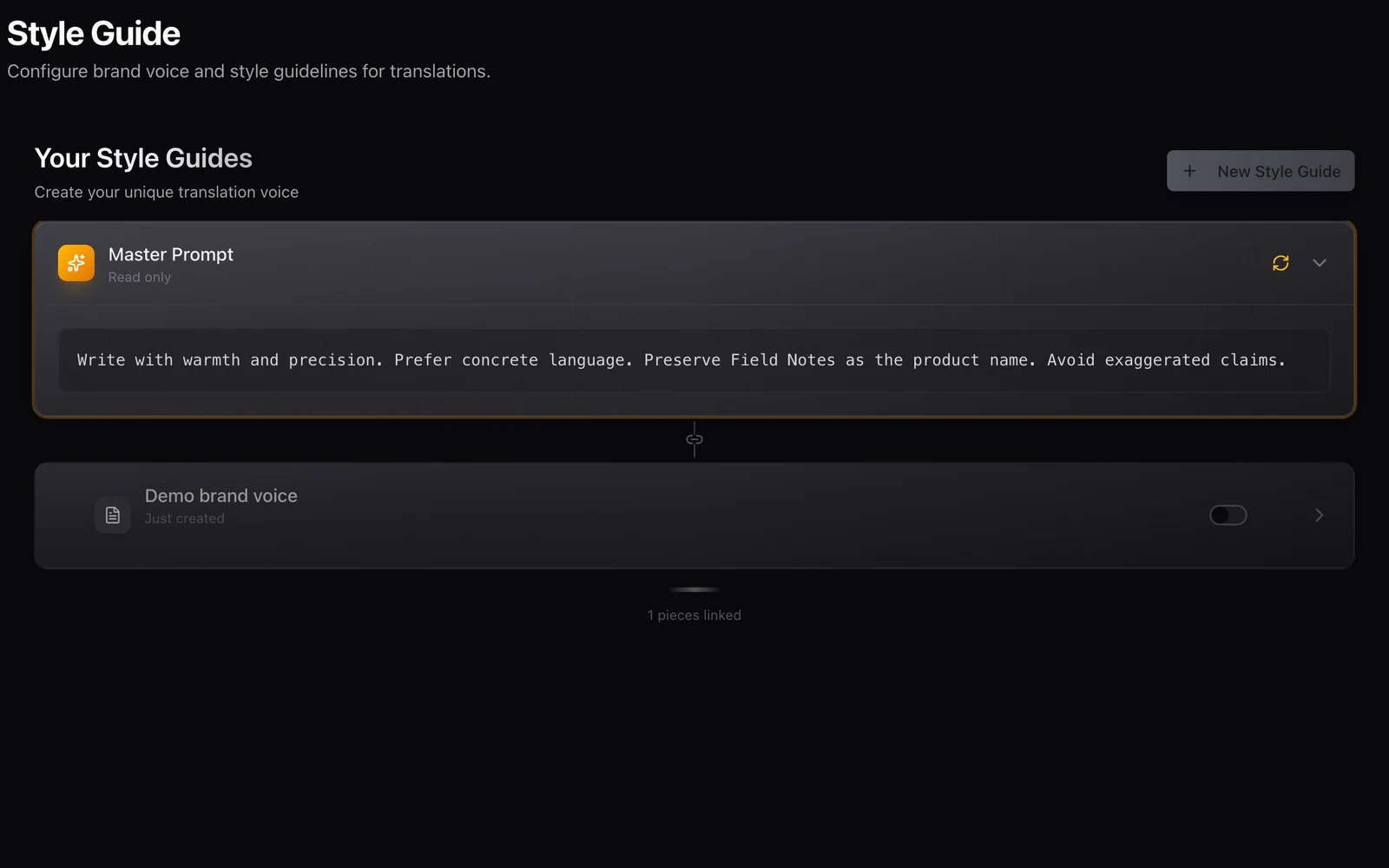
Your brand voice should travel with the work.
Use Nativ’s brand voice, style guides, terminology and language settings as a shared brief across creative tools, integrations and API workflows.
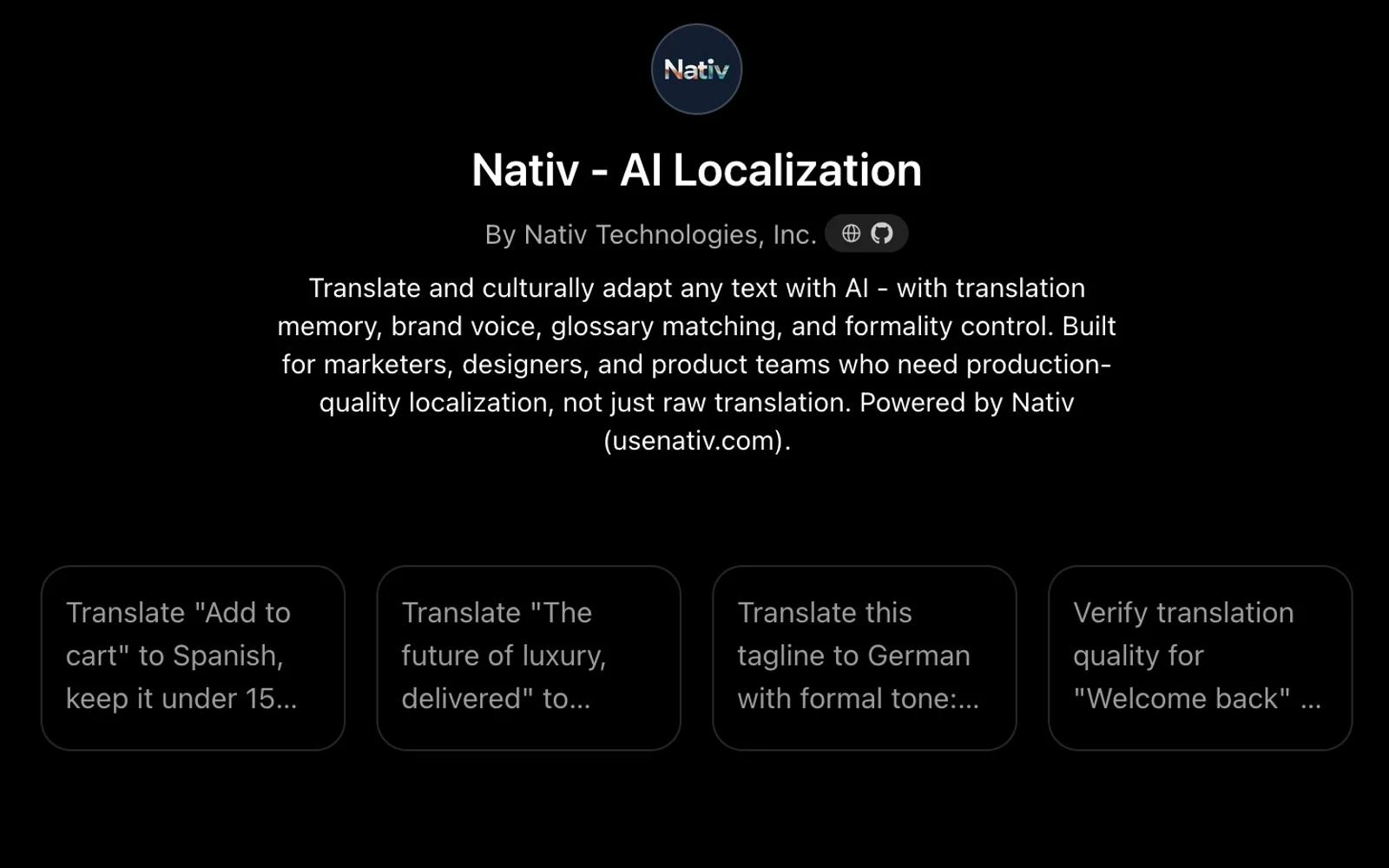
A conversation can start the work. Your brand context should follow.
Use the Nativ GPT for text localisation in ChatGPT, supply placement and terminology, and review translations with the context of your Nativ workspace.