Published on Adobe Exchange · 24 September 2026
Keep the motion.
Change the market.
Localise supported text, image, audio and video layers in After Effects. Work through nested compositions and review a duplicated localised comp.
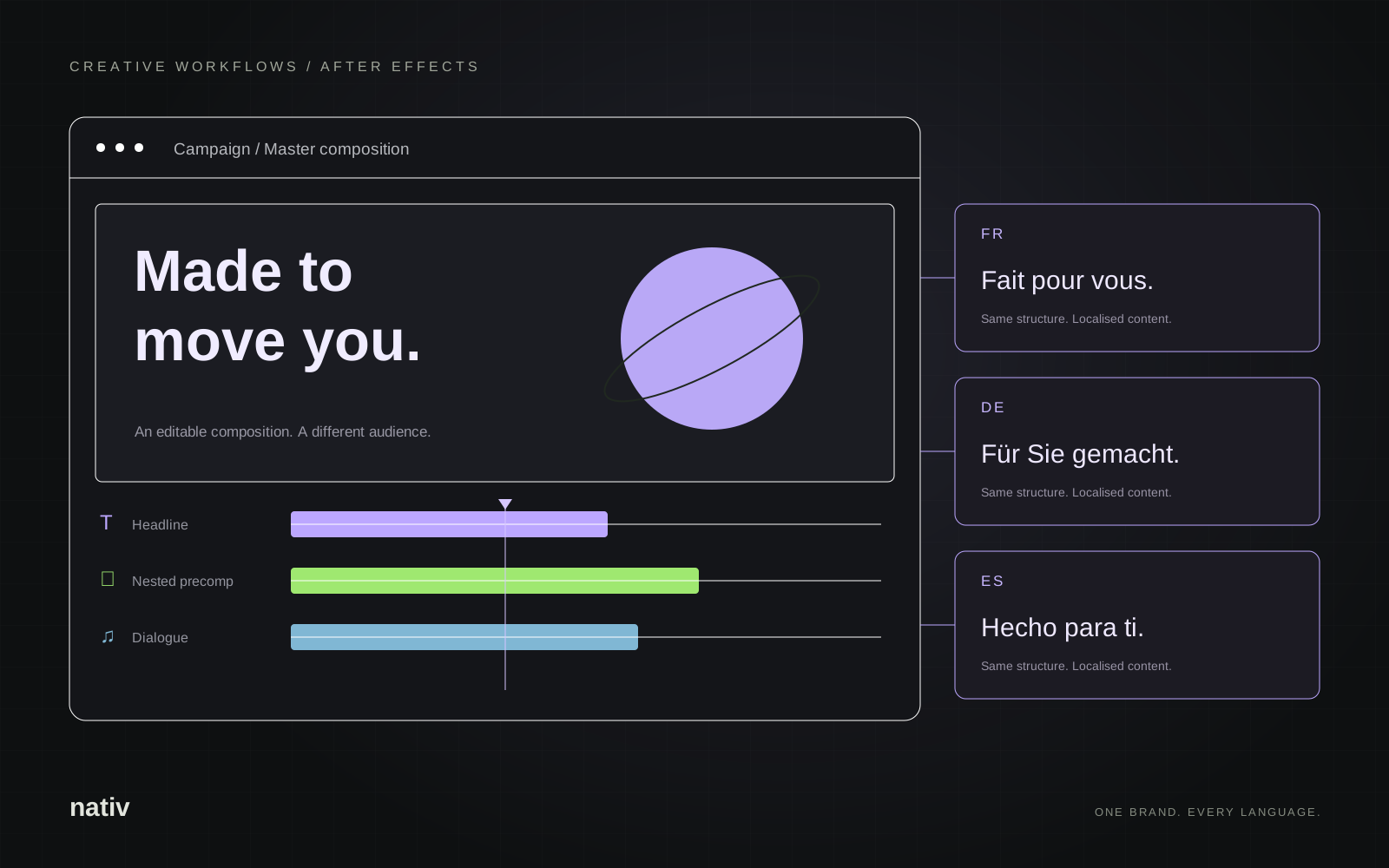
Start inside the composition.
- Install Nativ Video Culturalization from Adobe Exchange. Use After Effects 2022 or later.
- Activate a composition and select the layers you want to localise. With no selection, the plugin processes all supported layers in that composition.
- Open Window → Extensions → Nativ Culturalization and sign in.
- Choose a target language and the relevant voice options, then click Localize.
- Review the duplicated composition alongside the source. Check text fit, font support, timing and delivery.
Each layer gets the workflow it needs.
- Editable Source Text: translated text with styling, animation and keyframes retained.
- Nested compositions: recursive processing of supported content inside precomps.
- Still images: localisation of text embedded in imagery.
- Audio and video: transcription and dubbing, with voice selection and duration matching.
The plugin uses your Nativ workspace’s languages, translation memory, glossary and brand voice. An active account, available credits and an internet connection are required.
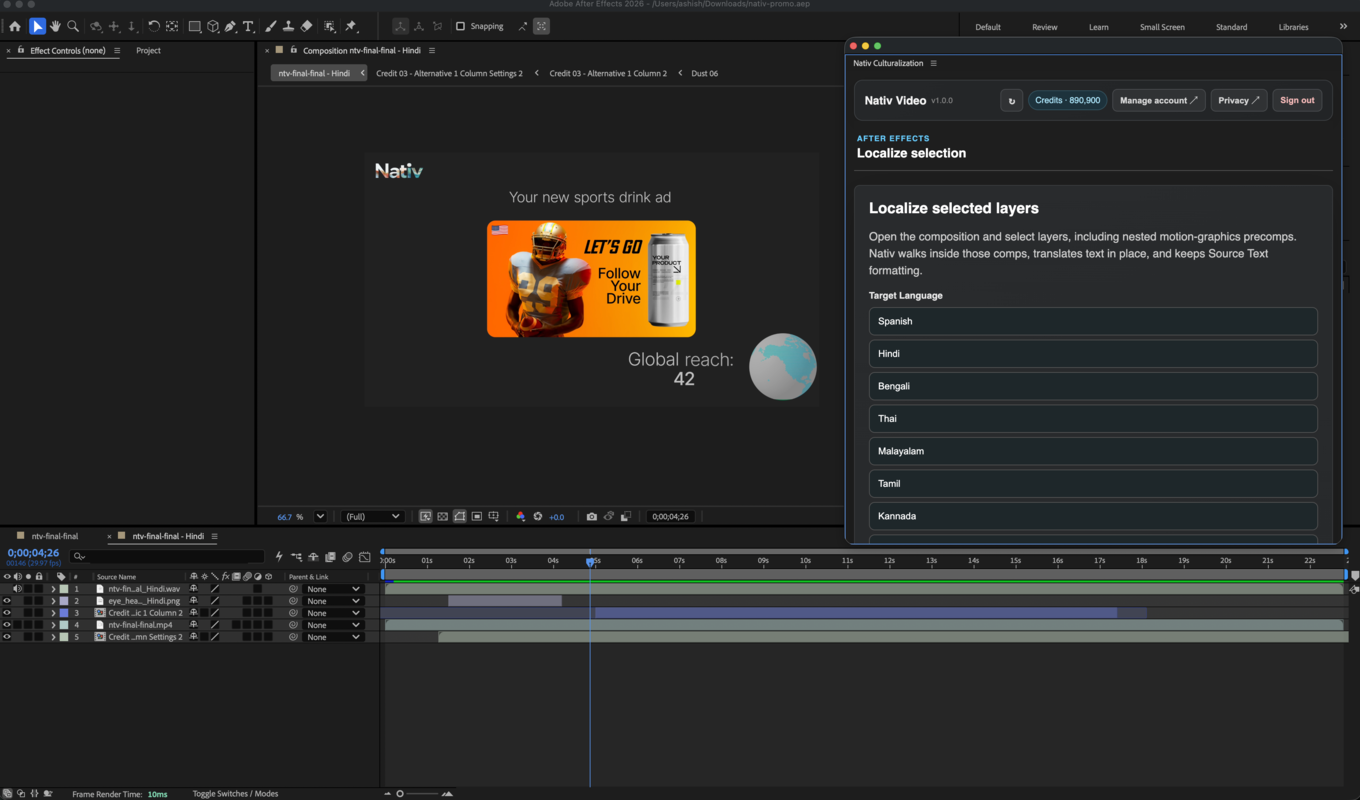
Review in the place the work lives.
The source composition stays available. Play the localised composition, inspect any new line breaks or glyphs, and listen to the voice against the edit. The result remains a project your creative team can work with.