A translation should come back to the right cell.
The hard part of a content spreadsheet is often the handoff: keeping the translated words connected to the exact record, field and decision they belong to.
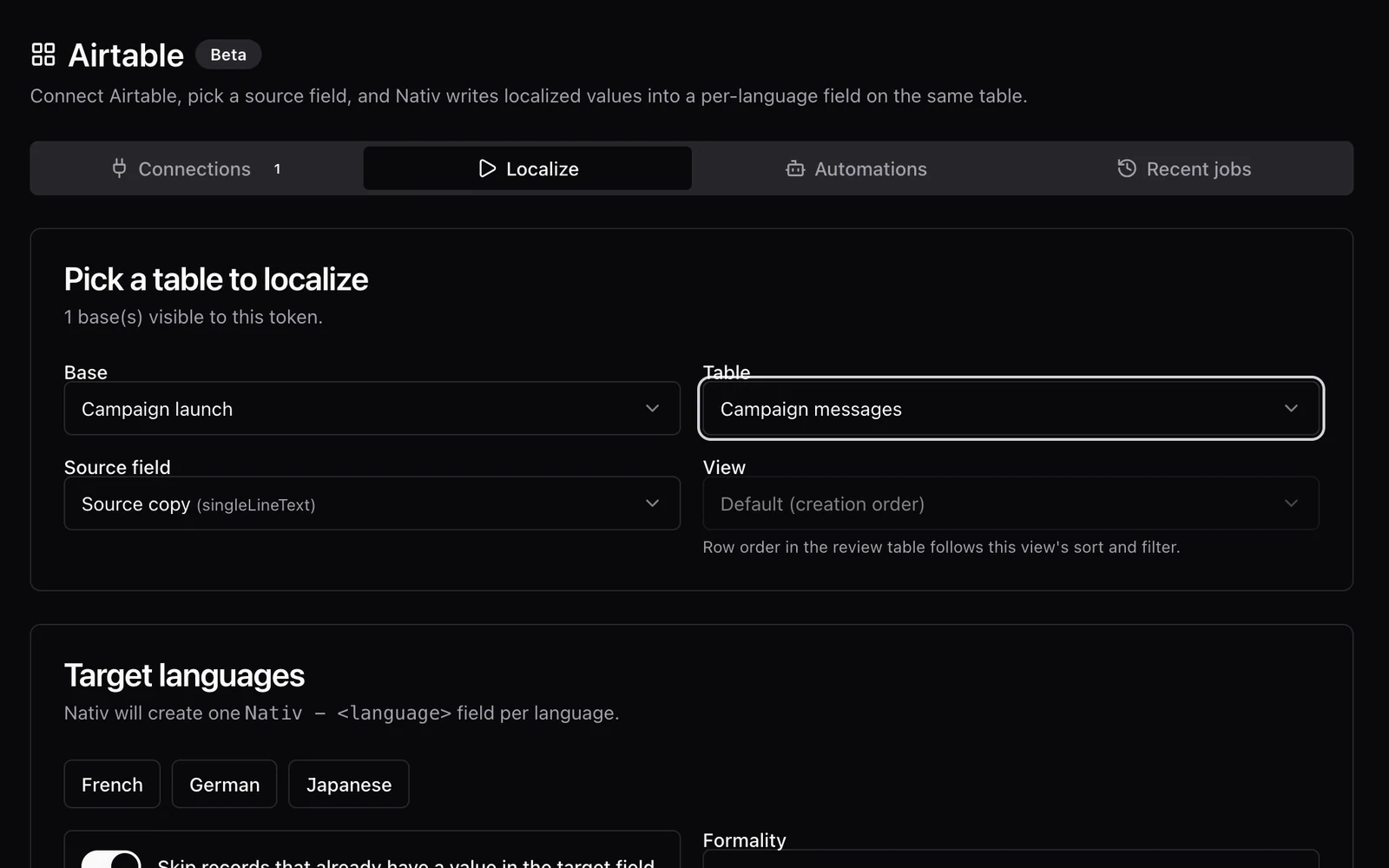
A content team keeps a launch in Airtable. One record contains the headline, another contains the product description, and each has notes that explain where the copy will appear.
Exporting the words is easy. Returning the approved language to the correct records is more delicate. A reviewer can improve a sentence and still create a costly mistake if that sentence is pasted into the wrong field.
Nativ’s Airtable integration keeps localisation connected to the base and table. It can write language fields alongside the source, create a separate review table for supported review options, and apply reviewed values through an explicit comparison step.
Decide where the translation belongs
Start with a table that has a clear source-text field. Keep record identifiers and non-translatable business data out of that field. The integration lets you choose a base, table, source field and target languages; supported views can help narrow the records involved.
Generated language values belong in dedicated fields rather than replacing the source. This makes the relationship inspectable: an editor can see the source and language version in the same record and use the base’s existing filters and views.
If you need a narrower operation, confirm the table and view before starting. A connection gives access to a workspace; it is not an instruction to translate everything in it.
Give review its own surface
Some jobs need more than a translated value. The current workflow includes options for backtranslation, rationale, alternatives, translation-memory information and character constraints. Review-oriented options can produce an associated review table in the same base.
That table gives a reviewer room to compare language choices without crowding the production source table with every piece of supporting information. A basic translation-only job can follow the simpler path without creating that extra table.
The review table is part of the workflow, not a guarantee that a value has been approved. Your team still decides who reviews the wording and which value should move back to the source record.
Run a small batch with a review handoff
- Connect Airtable in Nativ. Use the authentication options available in your environment and choose the account that can access the intended base.
- Choose one table and source field. For the first run, use a small demonstration table or a carefully selected view.
- Select the target languages. Add context, terminology and any character limit needed for the content’s destination. Check the skip-existing setting before you continue.
- Choose the review information you need. Enable backtranslation, rationale, alternatives or memory information when those will help the reviewer make a decision.
- Inspect the results and review table. Check the source record, language and destination field together. Edit the proposed translation where appropriate.
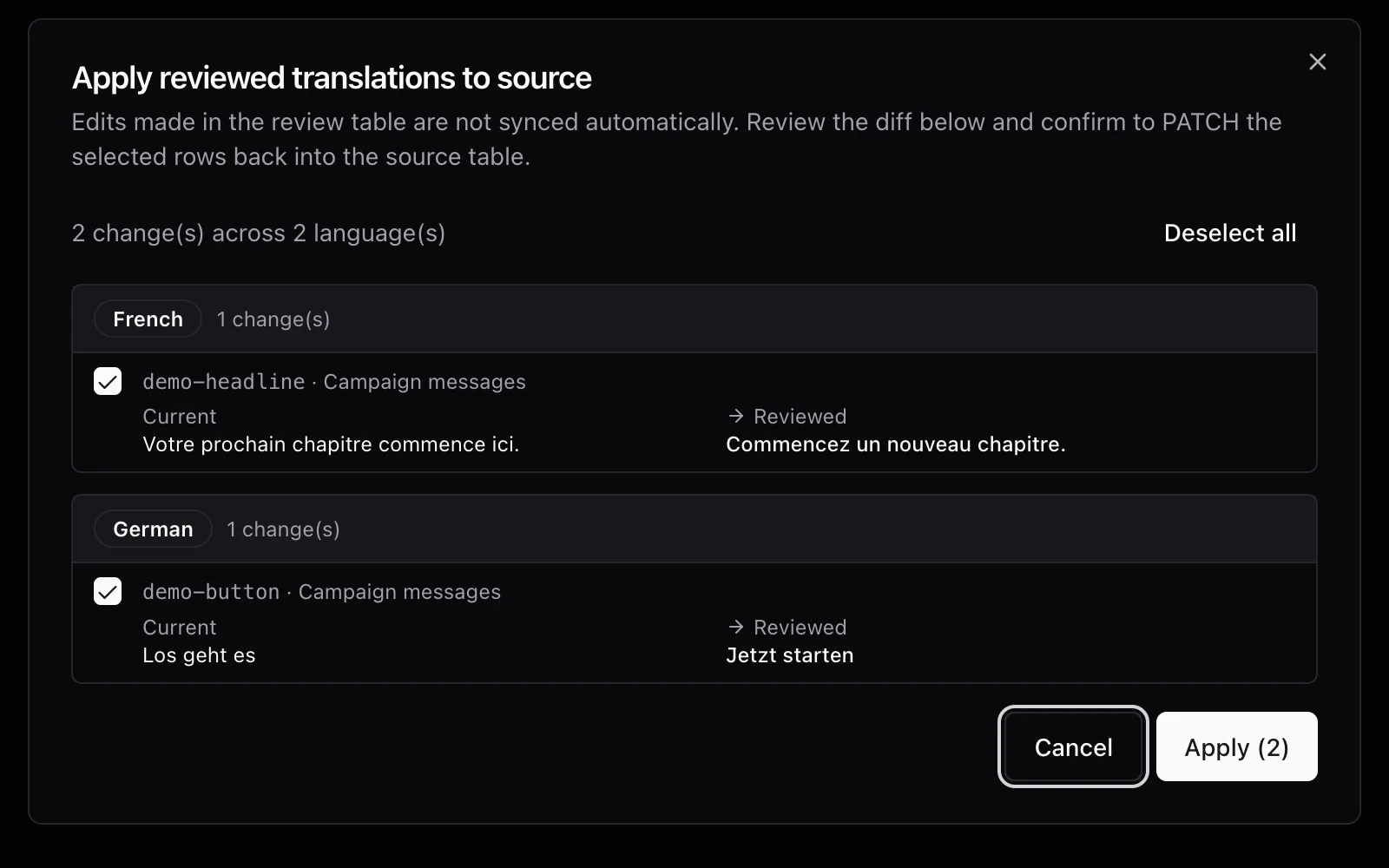
- Use Apply reviewed translations. Inspect the changed-value comparison, then apply the reviewed values to the source table’s language fields. Check the resulting records in Airtable.
The apply step reads the reviewed content and compares it with the current language-field values. It is a deliberate writeback operation, so inspect its scope even when the first translation run looked correct.
A useful review is specific to the destination
A headline destined for a mobile card may need a character budget. A product description may need a precise term that should match the packaging. A status message should use the same concept as the application’s interface.
Backtranslation and rationale can help explain a choice to someone who does not speak the target language. They are review aids, not independent proof of quality. Check important language with a suitable reviewer and inspect the actual destination where possible.
Airtable also has automation paths in Nativ. Establish the source fields, terminology and review responsibilities in a manual run before extending the workflow to repeated processing. A repeatable operation is most valuable when the team understands what it will write.
For a similar column-based workflow, see the Smartsheet guide. For the shared linguistic brief, start with brand voice across tools.
Product references
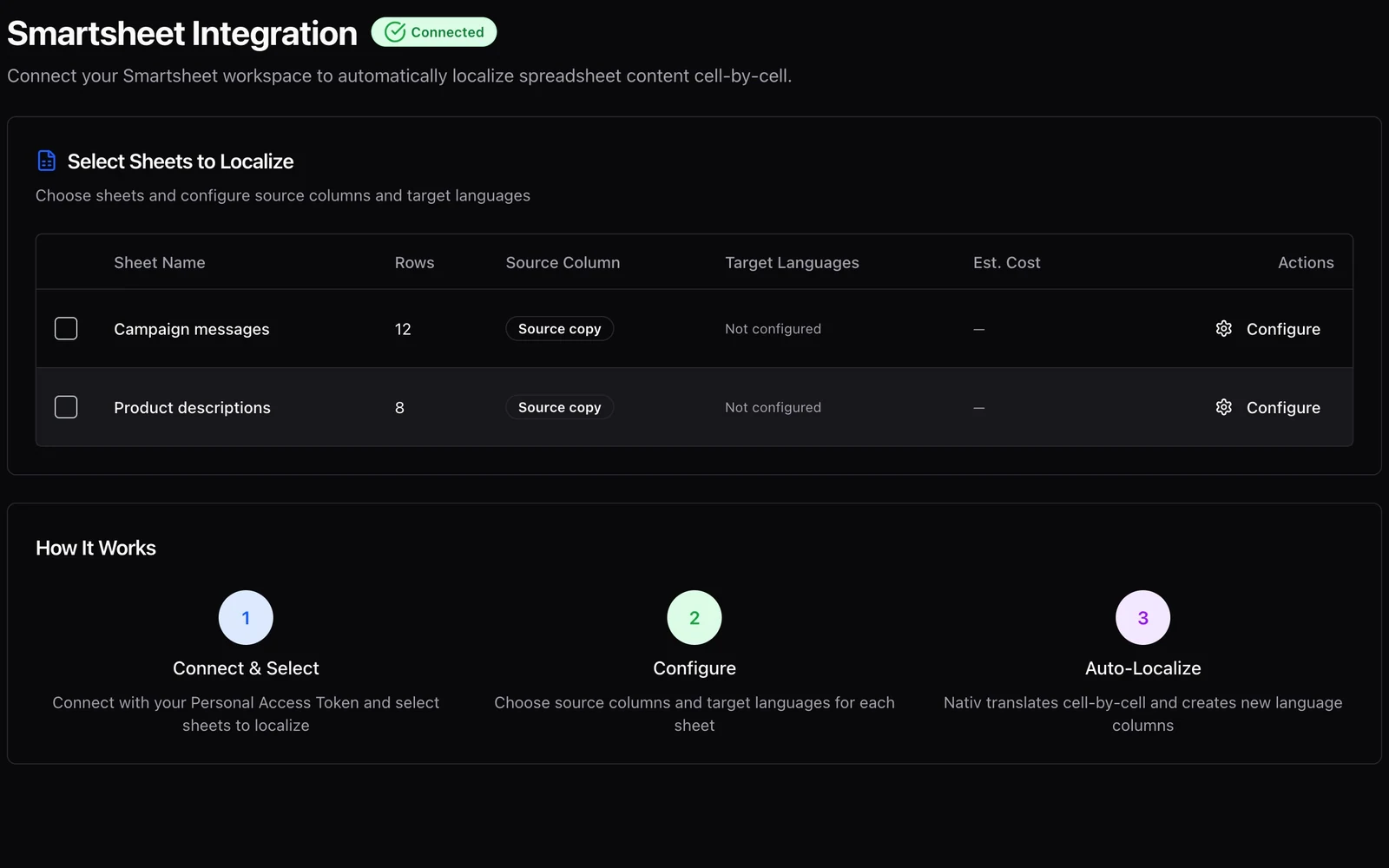
Keep the content plan and its languages together.
Use Nativ with Smartsheet to choose source columns, add target-language columns, and manage batch context without replacing the source copy.
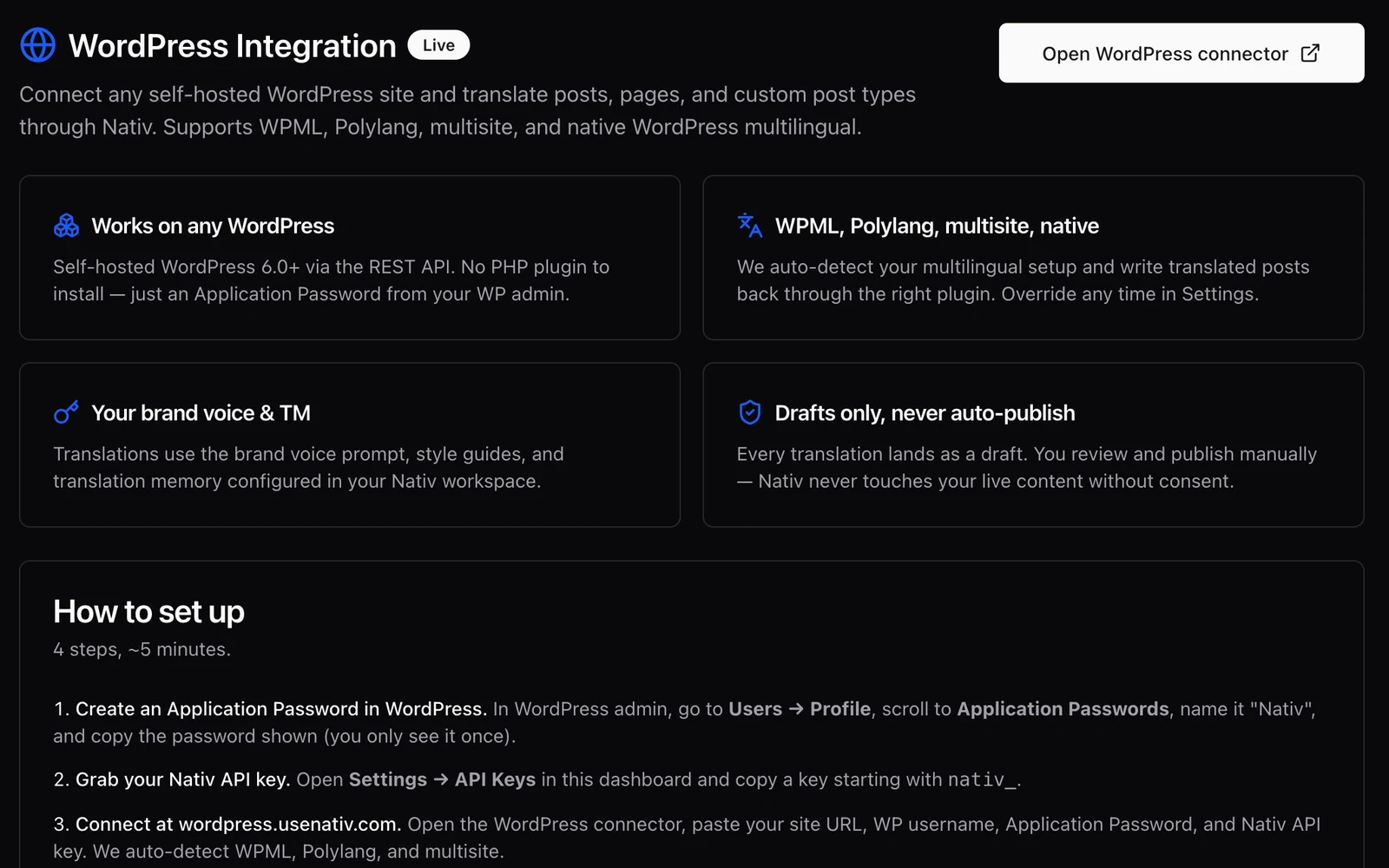
The useful output is a draft your editor can publish.
Translate WordPress posts and pages with Nativ, retain the publishing handoff, and review language versions as drafts before making them live.